Gitlab代码托管服务器安装
- 安装相关依赖
sudo yum install -y policycoreutils openssh-server openssh-clients postfix
sudo yum install -y policycoreutils-python
- 启动ssh服务&设置为开机启动
systemctl enable sshd && sudo systemctl start sshd
- 设置postfix开机自启,并启动,postfix支持gitlab发信功能
systemctl enable postfix && systemctl start postfix
- 开放ssh以及http服务,然后重新加载防火墙列表
firewall-cmd --add-service=ssh --permanent
firewall-cmd --add-service=http --permanent
firewall-cmd --reload
# 如果关闭防火墙就不需要做以上配置
- 下载gitlab包,并且安装
wget https://mirrors.tuna.tsinghua.edu.cn/gitlab-ce/yum/el7/gitlab-ce-15.9.8-ce.0.el7.x86_64.rpm
rpm -i gitlab-ce-15.9.8-ce.0.el7.x86_64.rpm
- 修改gitlab配置
vim /etc/gitlab/gitlab.rb
- 修改啊git访问地址和端口,默认为80,改为82(可自定义)
external_url 'http://172.139.20.80:82'
nginx['listen_port']=82
- 重载配置及启动gitlab
gitlab-ctl reconfigure
gitlab-ctl restart
- 把端口添加到防火墙
firewall-cmd --zone=public --add-port=82/tcp --permanent
firewall-cmd --reload
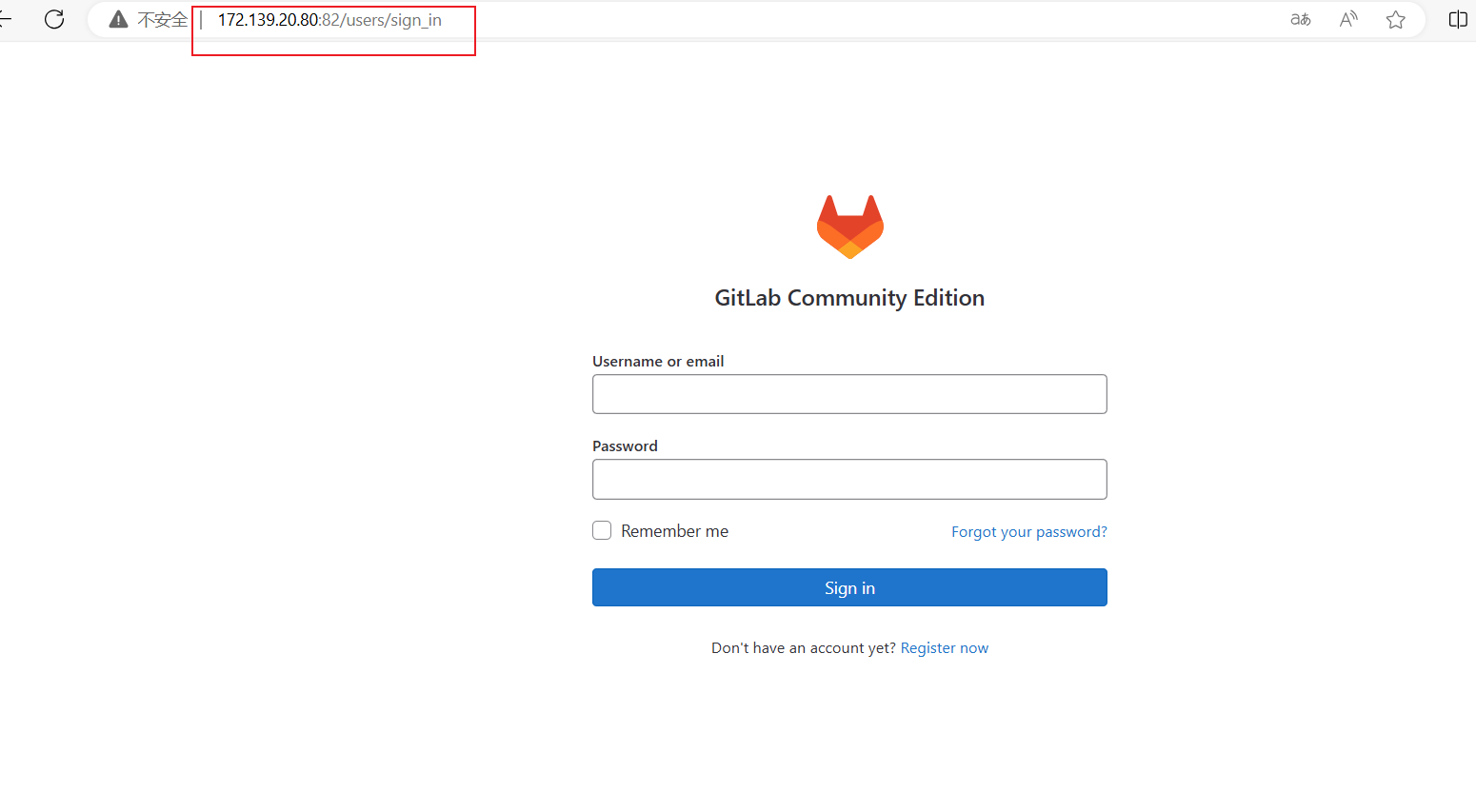
- 启动成功后,访问'http://172.139.20.80:82'可以看到以下界面
- 查看默认密码
cat /etc/gitlab/initial_root_password
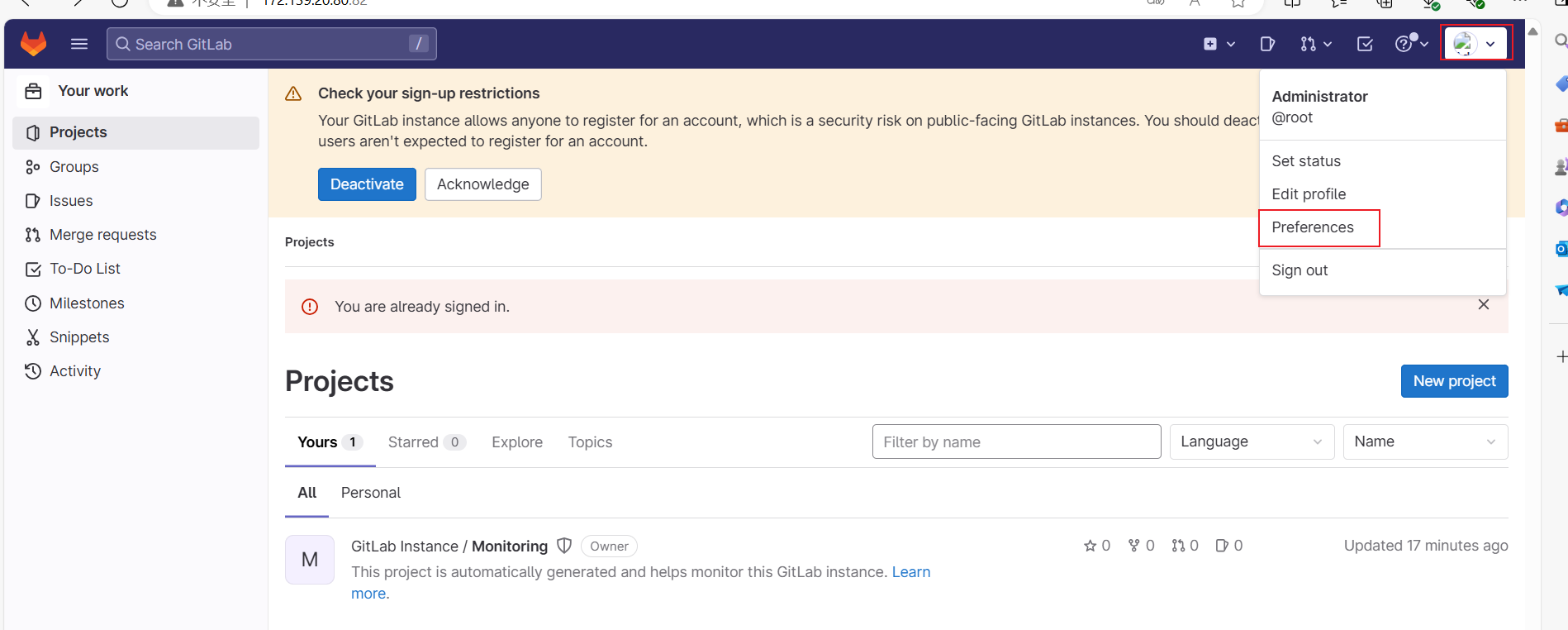
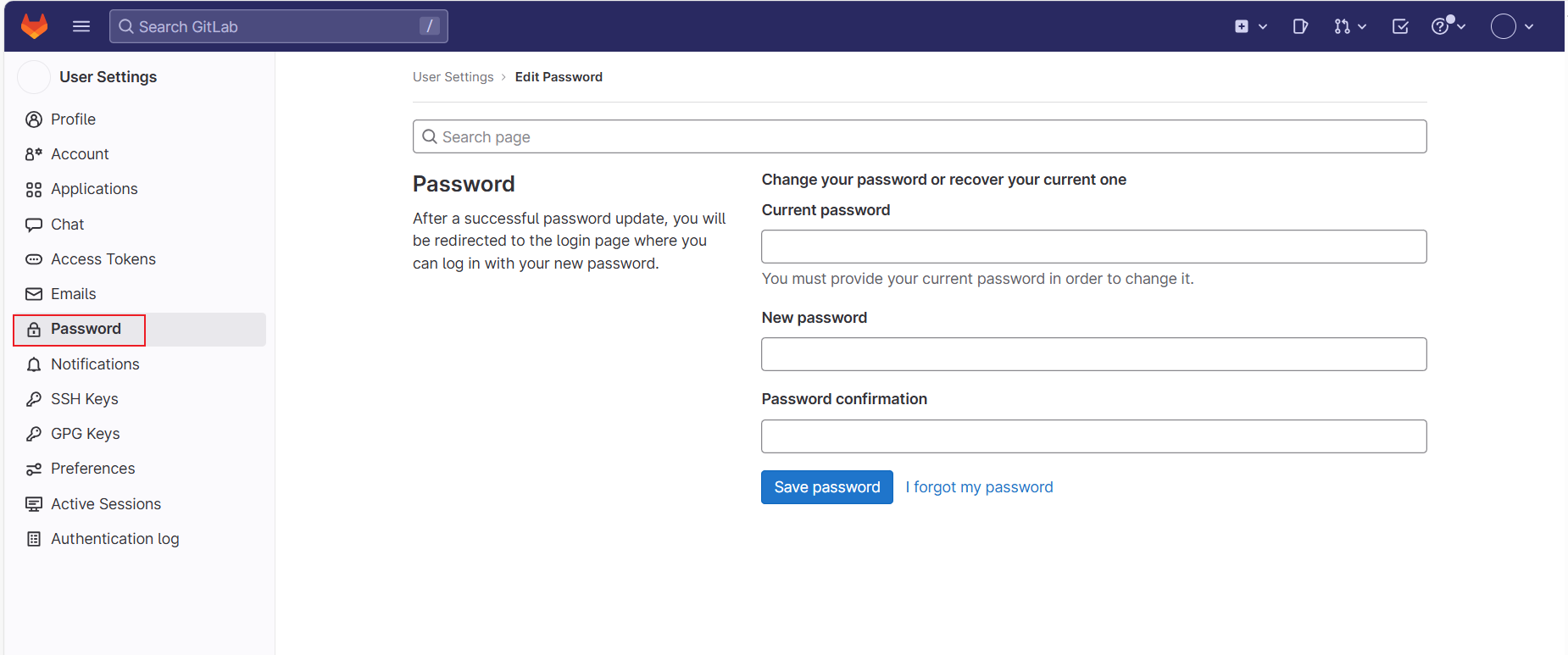
- 找到密码并复制到web界面登陆,账号为root,登陆之后到perfence修改密码