虚拟环境安装
-
创建虚拟环境
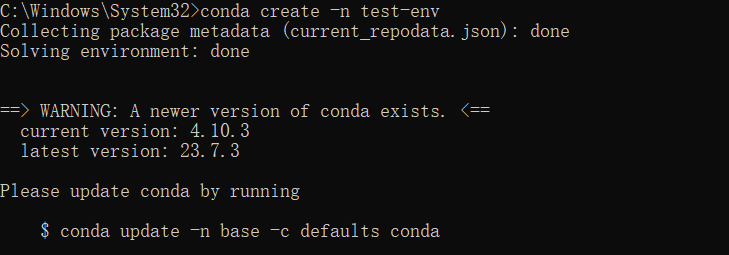
-
激活虚拟环境

-
使用 conda 安装 pip
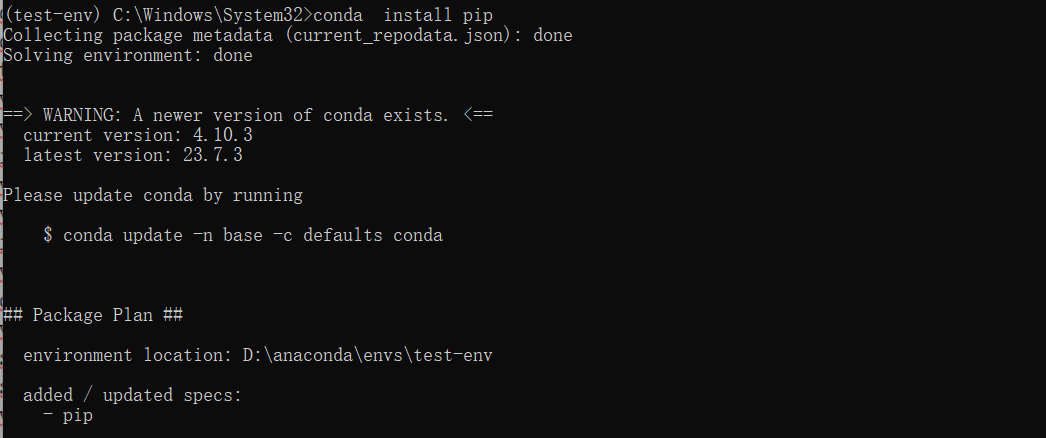
-
查看路径
pip show numpy -
查看所有的虚拟环境
conda info -e
当前激活的环境带 *
6.指定 python 版本创建虚拟环境
conda create -n test-env python=3.8
7.pip
conda deactivate   #推出当前环境`
conda remove -n test-env --all  #删除环境
pip install -i https://pypi.tuna.tsinghua.edu.cn/simple pygame   #安装 pygame
pip list      #显示所有安装
哪有什么胜利可言,坚持意味着一切。如想使用请备注转载链接~