openpyxl模块创建excel
def new():
  from openpyxl import Workbook
  wb = Workbook()
  sh1 = wb.active
  sh2 = wb.create_sheet('数据')
  sh3 = wb.create_sheet('人员',0)
  wb.save('C:/Users/admin/Desktop/create.xlsx')
if __name__ == "__main__":
  new()
实现效果:

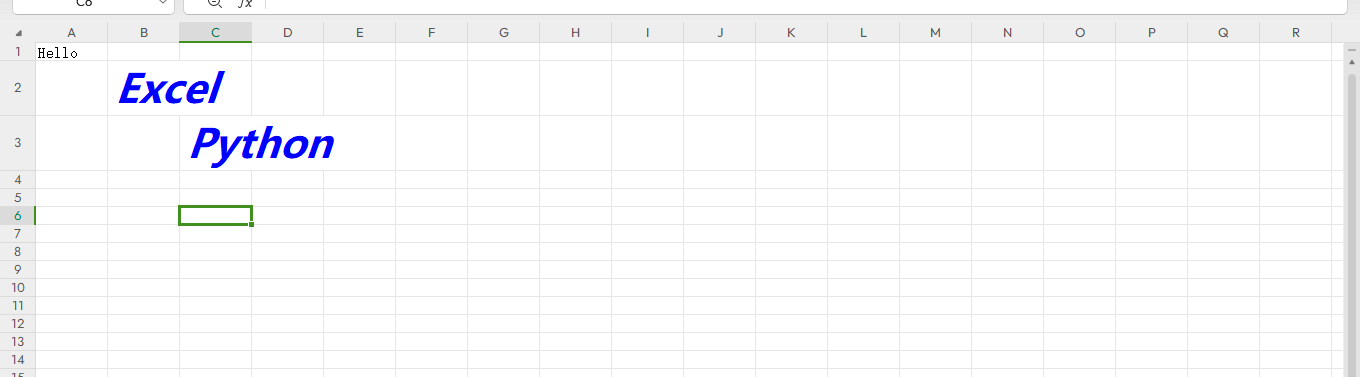
def set_value():
  from  openpyxl.styles import  Font,Alignment,colors
  bold_italic_30_font = Font(name='微软雅黑',size=30,italic=True,bold = True,color = colors.BLUE)
  bold_italic_20_font = Font(name='微软雅黑', size=20, italic=True, bold=True, color ='CD1076')

  from openpyxl import Workbook
  wb = Workbook()
  sh1 = wb.active
  sh1['A1'] = 'Hello'
  sh1['B2'] = 'Excel'
  sh1['B2'].font = bold_italic_30_font
  sh1['C3'] = 'Python'
  sh1['C3'].font = bold_italic_30_font
  wb.save('C:/Users/admin/Desktop/create.xlsx')


if __name__ == "__main__":
 # new()
 set_value()
实现效果:
#####################
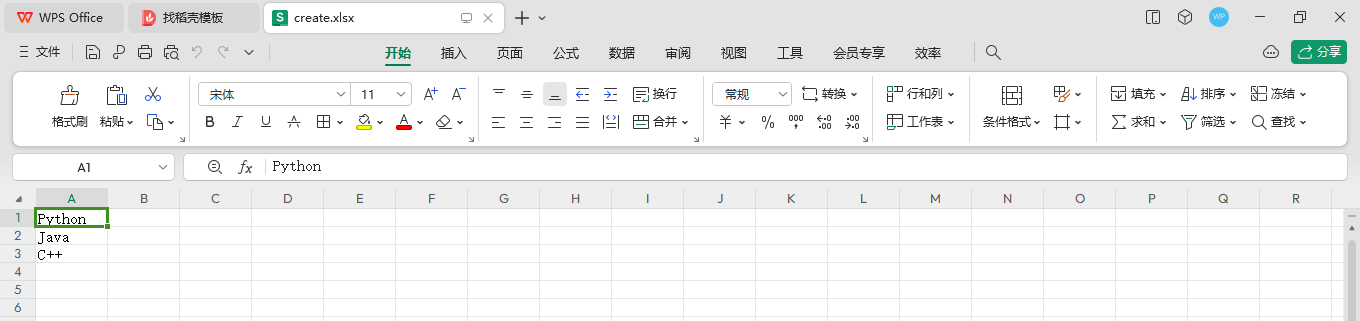
def set_value2():
  from openpyxl import Workbook
  wb = Workbook()
  sh1 = wb.active
  data = ['Python','Java','C++']
  for i,d in enumerate(data):
    sh1.cell(i+1,1).value = d
  wb.save('C:/Users/admin/Desktop/create.xlsx')

if __name__ == "__main__":
 # new()
 #set_value()
 set_value2()