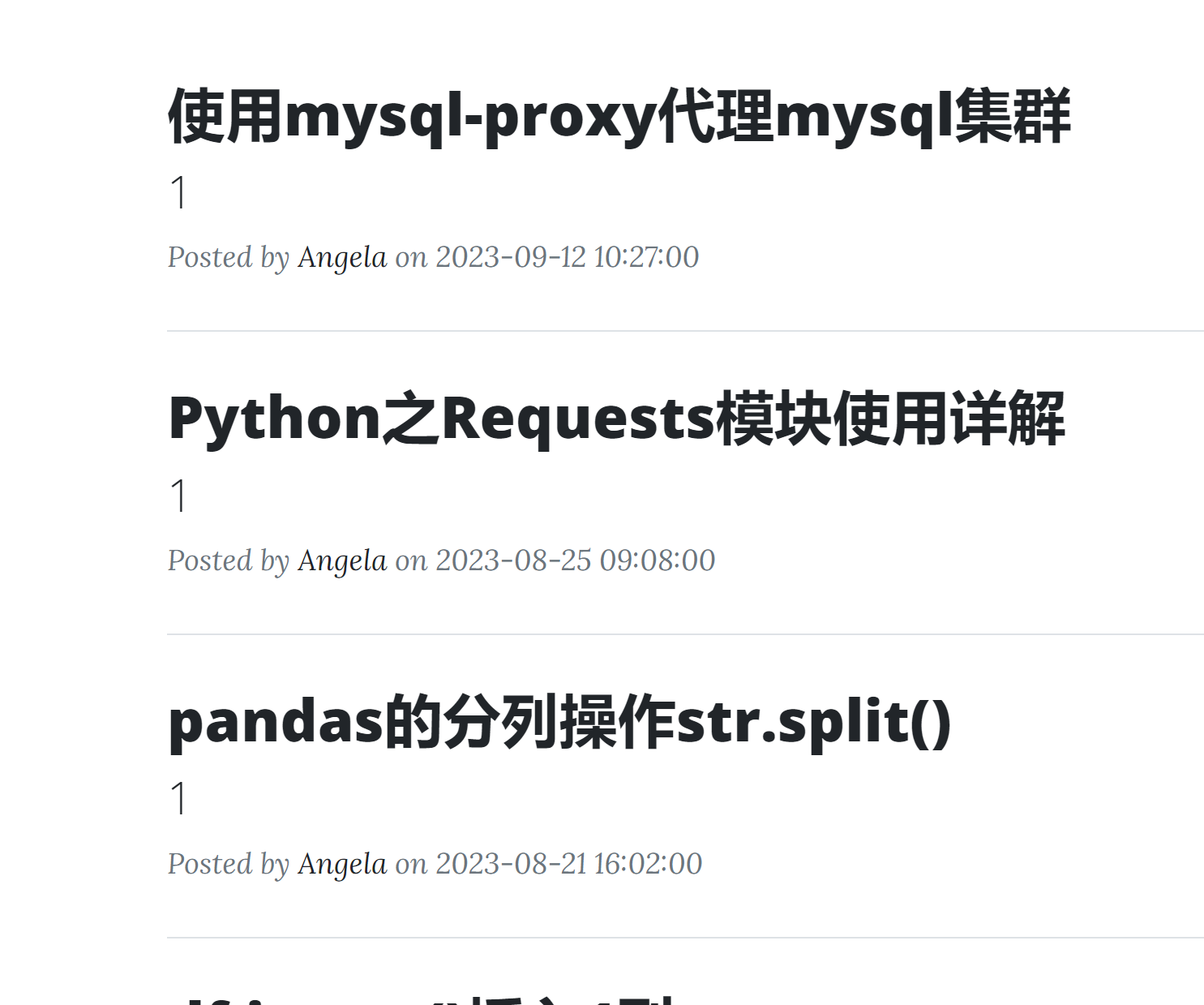
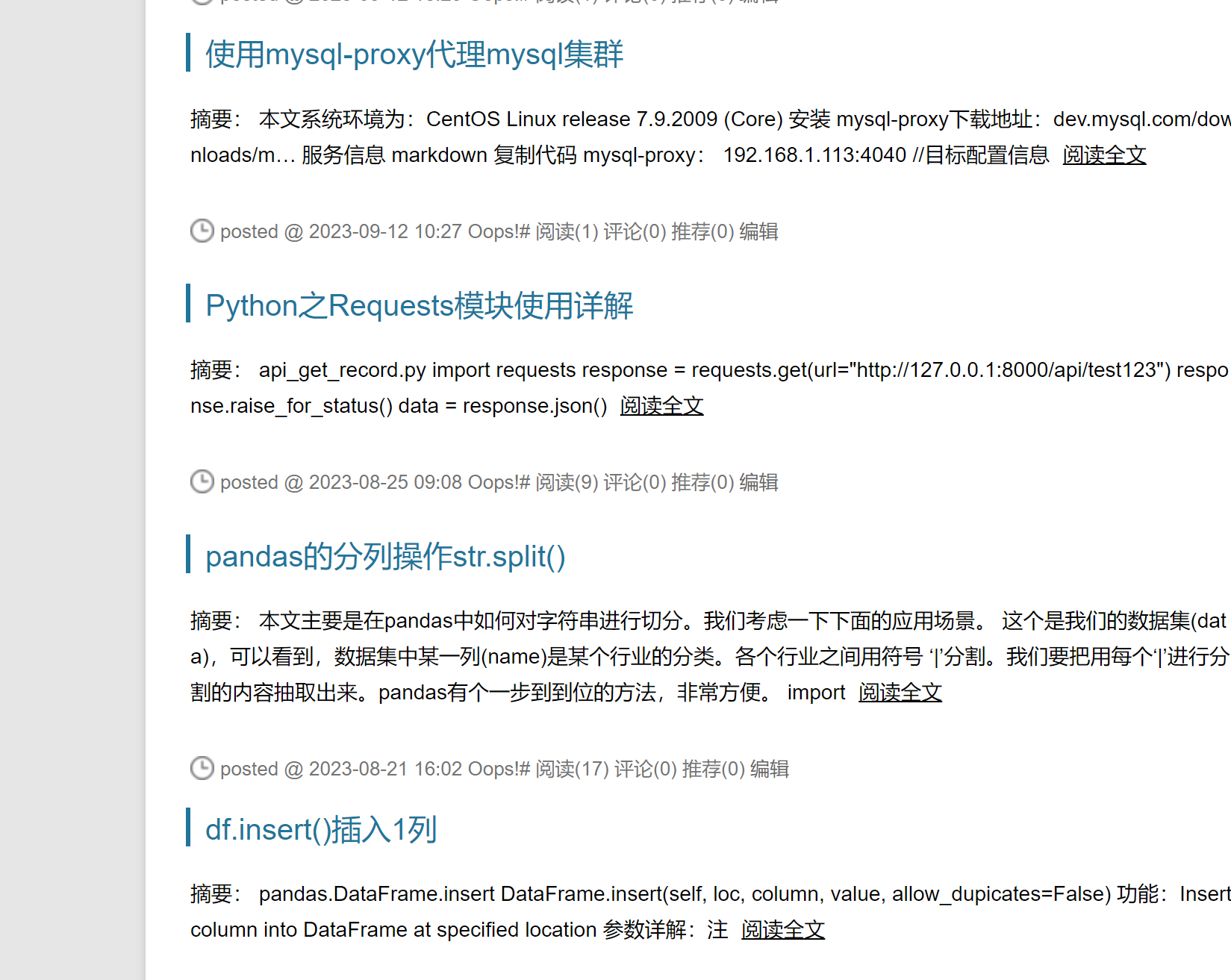
迁移cnblogs博客园的blog备份db文件到本地的博客系统
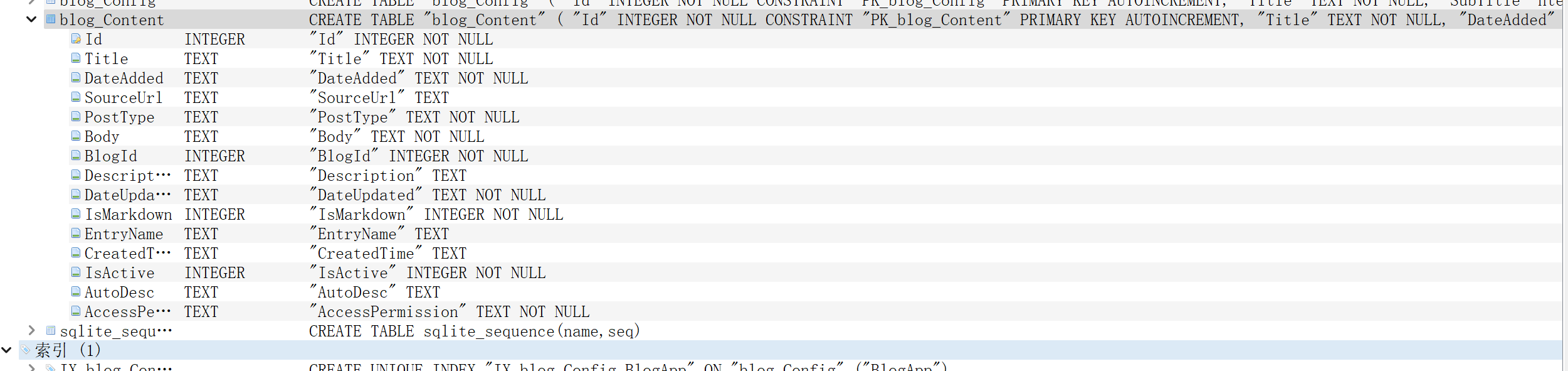
2. 查看本地博客系统数据库sqlite3的字段格式如下:

3. 通过python 处理将备份sqlite3中的字段做处理调整成本地博客系统的字段
4. 本地blog系统的数据库调整为新的数据库, 修改数据读取按照时间倒序
@app.route('/')
def get_all_posts():
    # result = db.session.execute(db.select(BlogPost))
    result = db.session.query(BlogPost).order_by(BlogPost.date.desc())
    # posts = result.scalars().all()
    posts = result.all()
    return render_template("index.html", all_posts=posts, current_user=current_user)
前端显示页面
<!-- Main Content-->
<div class="container px-4 px-lg-5">
  <div class="row gx-4 gx-lg-5 justify-content-center">
    <div class="col-md-10 col-lg-8 col-xl-7">
      <!-- Post preview-->
      {% for post in all_posts %}
      <div class="post-preview">
        <a href="{{ url_for('show_post', post_id=post.id) }}">
          <h2 class="post-title">{{ post.title }}</h2>
          <h3 class="post-subtitle">{{ post.subtitle }}</h3>
        </a>
        <p class="post-meta">
          Posted by
          <!-- post.author.name is now a User object -->
          <a href="#">{{post.author.name}}</a>
          on {{post.date}}
          <!-- Only show delete button if user id is 1 (admin user) -->
          {% if current_user.id == 1: %}
          <a href="{{url_for('delete_post', post_id=post.id) }}">✘</a>
          {% endif %}
        </p>
      </div>
      <!-- Divider-->
      <hr class="my-4" />
      {% endfor %}
文本内容页面
<!-- Post Content -->
<article>
  <div class="container px-4 px-lg-5">
    <div class="row gx-4 gx-lg-5 justify-content-center">
      <div class="col-md-10 col-lg-8 col-xl-7">
        {{ post.body|safe }}
        <!--Only show Edit Post button if user id is 1 (admin user) -->
        {% if current_user.id == 1 %}
        <div class="d-flex justify-content-end mb-4">
          <a
            class="btn btn-primary float-right"
            href="{{url_for('edit_post', post_id=post.id)}}"
            >Edit Post</a
          >
        </div>
        {% endif %}
5. 启动本地博客系统后, 可以正常显示