【原创】修复lazarus for windows的debug模式为GDB时不能正确显示中文字符的问题
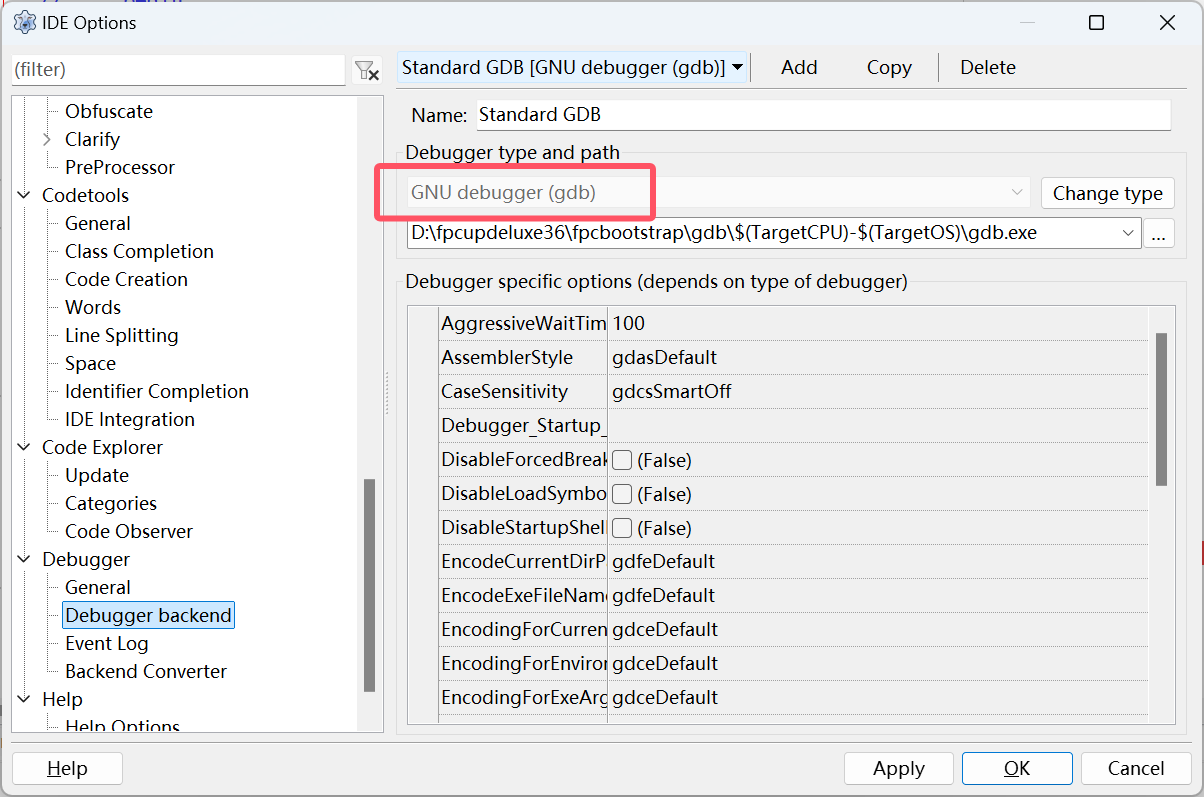
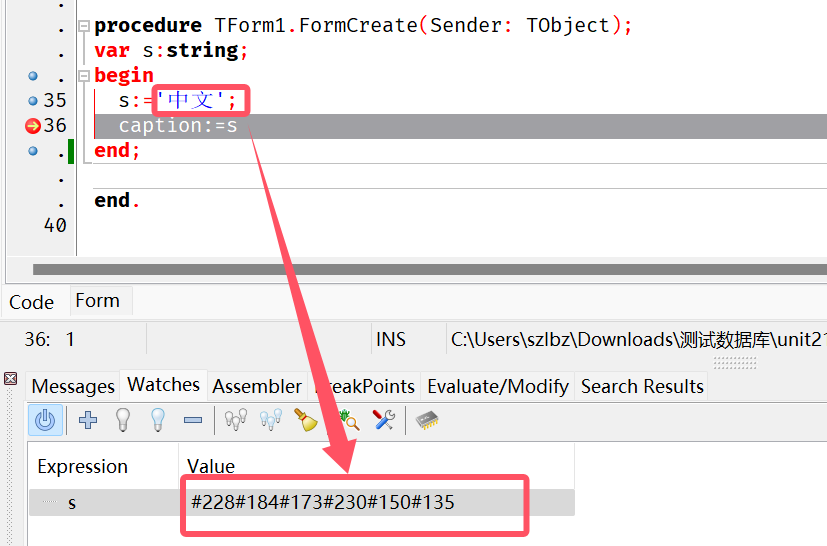
lazarus在windows使用GDB时中文字符不能正确显示,显示为#229#173#151之类的字符而不是中文。
处理方法:
打开lazarus/components/lazdebuggergdbmi/gdbmidebugger.pp,按红色代码修改。
在function TGDBMIDebuggerCommand.GetGDBTypeInfo(const AExpression: String;(12409行)前添加function tochinesechar(str:string):string;
function tochinesechar(str:string):string;
var i:integer;
  tmp,tmpstr:string;
  chr1:byte;
  e:integer;
begin
  tmp:='';
  result:=str;
  if (copy(str,1,8)=',value="') and (str[length(str)]='"') then
  begin
    tmp:=',value=';
    i:=9;
    while i<=length(str)-1 do
    begin
      if str[i]<>'#' then
      begin
        tmp:=tmp+str[i];
        i:=i+1;
      end
      else
      begin
        tmpstr:=copy(str,i+1,3);
        val(tmpstr,chr1,e);
        if e=0 then
        begin
          tmp:=tmp+chr(chr1);
          i:=i+4;
        end
        else
        begin
          tmp:=tmp+str[i];
          i:=i+1;
        end;
      end;
    end;
    i:=1;
    result:='';
    while i<=length(tmp) do
    begin
      if copy(tmp,i,4)='''''''''' then
      begin
        result:=result+'''''';
        i:=i+4;
      end
      else
      if copy(tmp,i,2)='''''' then
      begin
        result:=result+'''';
        i:=i+2;
      end
      else
      if copy(tmp,i,1)='''' then
      begin
        result:=result+'';
        i:=i+1;
      end
      else
      begin
        result:=result+tmp[i];
        inc(i);
      end;
    end;
  end;
end;

function TGDBMIDebuggerCommand.GetGDBTypeInfo(const AExpression: String;
  FullTypeInfo: Boolean; AFlags: TGDBTypeCreationFlags; AFormat: TWatchDisplayFormat;
  ARepeatCount: Integer): TGDBType;
var
  R: TGDBMIExecResult;
  f: Boolean;
  AReq: PGDBPTypeRequest;
  CReq: TGDBPTypeRequest;
  i: Integer;
begin
  (*   Analyze what type is in AExpression
     * "whatis AExpr"
12544行:
        f :=  ExecuteCommand(AReq^.Request, R);
        if f and (R.State <> dsError) then begin
          if AReq^.ReqType = gcrtPType
          then AReq^.Result :=ParseTypeFromGdb(R.Values)
          else begin
            AReq^.Result.GdbDescription :={$ifdef MSWINDOWS}tochinesechar(R.Values){$ELSE}R.Values{$ENDIF};
            AReq^.Result.Kind := ptprkSimple;
          end;
        end
        else begin
          AReq^.Result.GdbDescription := R.Values;
          AReq^.Error :=R.Values;
        end;
按上述方法修改后重新编译lazarus。
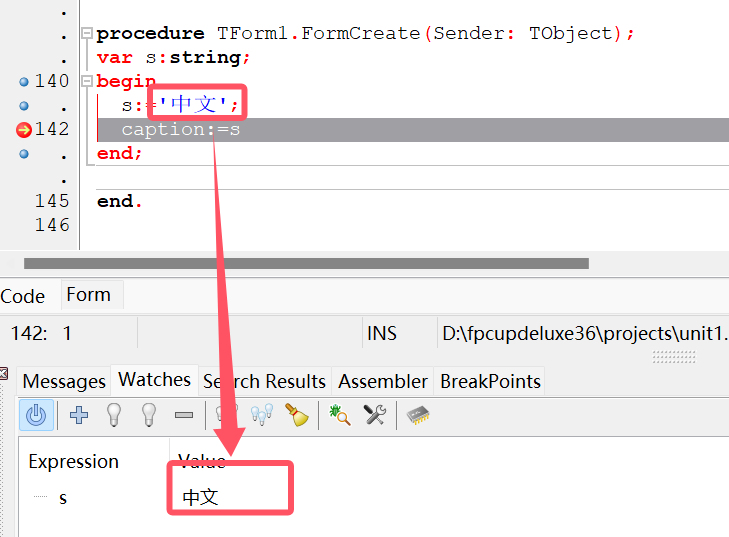
现在在windows使用GDB时已能正确显示中文字符了: