20230826 使用qemu boot gdb
macOS:
brew install qemu
qemu-system-aarch64 --version
去 https://developer.arm.com/downloads/-/arm-gnu-toolchain-downloads 下载交叉编译工具链
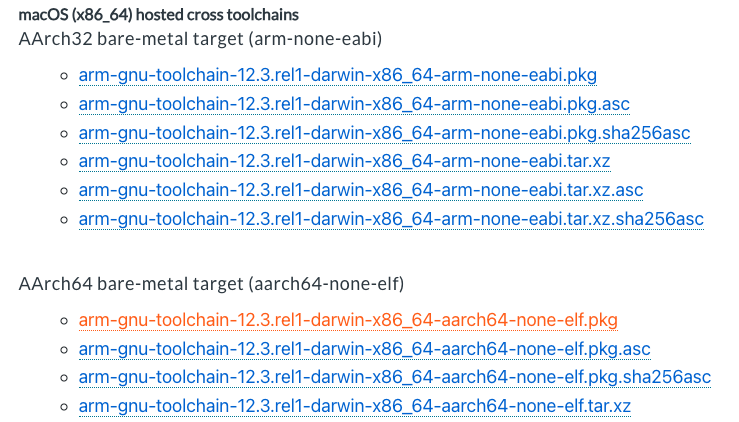
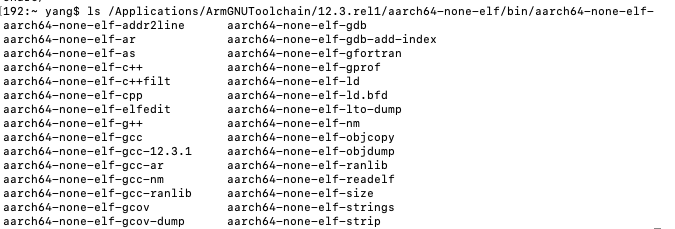
PREFIX=/Applications/ArmGNUToolchain/12.3.rel1/aarch64-none-elf/bin/aarch64-none-elf-
参考 https://github.com/rlepigre/bare-metal-aarch64/tree/master/step-01
boot.S
// The entry point is in its own section ".text.boot".
.section ".text.boot"

// The symbol "_start" is the kernel's entry point, make it global.
.global _start

// Entry point for the main core.
_start:
  b .
kernel8.ld
/* Entry point defined in file "boot.S". */
ENTRY(_start)

SECTIONS {
  /* Our kernel image will be placed at address 0x80000. */
  . = 0x80000;
  /* It starts with the ".text" segment. */
  .text : {
    /* The ".text" segment itself starts with the code from "boot.S". */
    /* The "_start" symbol (at the beginning of "boot.S") is at 0x80000. */
    *(.text.boot)
  }
}
Makefile
BINROOT=/Applications/ArmGNUToolchain/12.3.rel1/aarch64-none-elf/bin/aarch64-none-elf-
.PHONY: all
all: kernel8.img

boot.o: boot.S
	${BINROOT}as -c $< -o $@

kernel8.elf: kernel8.ld boot.o
	${BINROOT}ld -T $< -o $@ $(filter-out $<,$^)

kernel8.img: kernel8.elf
	${BINROOT}objcopy -O binary $< $@

.PHONY: clean
clean:
	@rm -f boot.o
	@rm -f kernel8.elf
	@rm -f kernel8.img
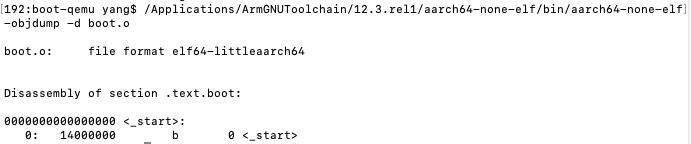
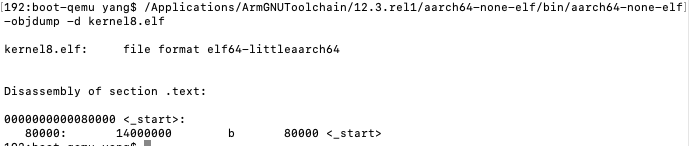

qemu-system-aarch64 -machine help 查看支持的物理机类型
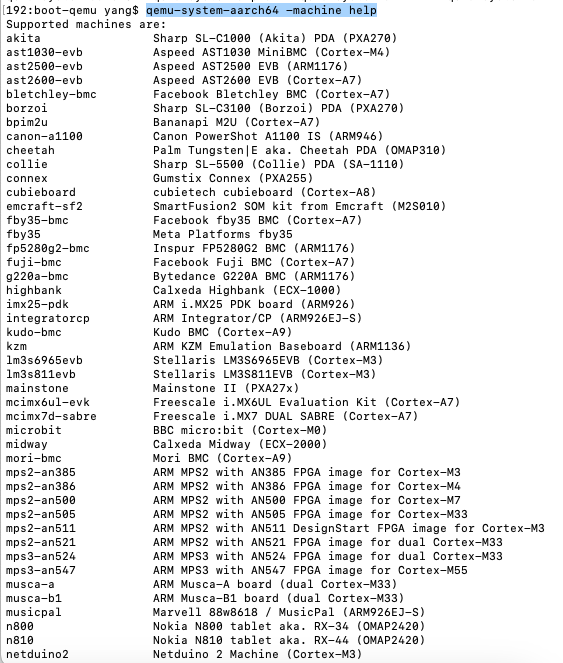
没找到 rock5b 。。。。选择类似的 cubieboard cubietech cubieboard (Cortex-A8)
#qemu-system-aarch64 -M raspi3 -nographic -kernel kernel8.img
qemu-system-aarch64 -M cubieboard -nographic -kernel kernel8.img 当然不会显示什么,终端还会一直挂起。。。
使用GDB:
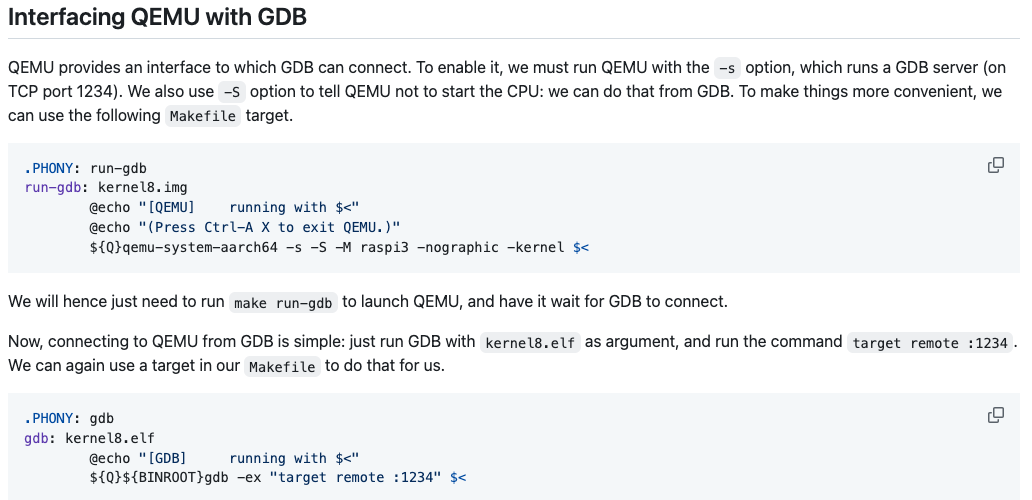
.PHONY: run-gdb
run-gdb: kernel8.img
        @echo "[QEMU]    running with $<"
        @echo "(Press Ctrl-A X to exit QEMU.)"
        ${Q}qemu-system-aarch64 -s -S -M cubieboard -nographic -kernel $<

.PHONY: gdb
gdb: kernel8.elf
        @echo "[GDB]     running with $<"
        ${Q}${BINROOT}gdb -ex "target remote :1234" $<
make run-gdb
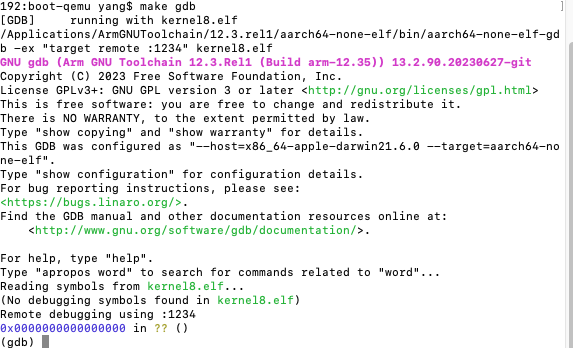
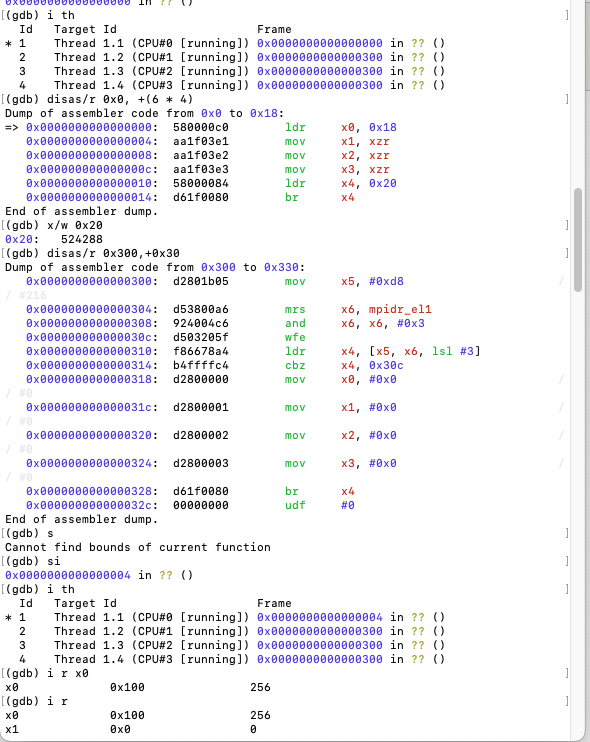
新终端 make gdb
出错,将-M 机器改为 raspi3b 后得到一样的结果