30.docker安装nacos
我一直以来我是用虚拟机安装的mysql,redis,es等,在本机安装nacos作为注册中心和配置中心的,每次重启电脑都需要启动nacos和虚拟机比较麻烦。
今天斥巨资103.08元购买个一年的华为云服务器来用于开发,购买后mysql,redis这些都是安装在虚拟机,云服务器也是linux系统,直接在云服务器安装docker,然后按照前面的博客那样安装就好了。
这里主要说一下nacos,之前由于在本机安装的,本机是Windows系统,下面讲一下怎么在Linux安装使用。
下载镜像
docker pull nacos/nacos-server
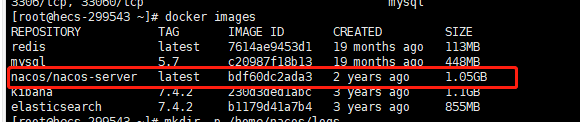
下载完可以查一下:
创建挂载目录
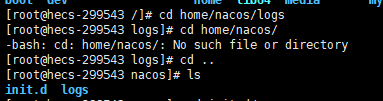
在本地home文件中挂载目录,挂载配置以及日志文件。
mkdir -p /home/nacos/logs
mkdir -p /home/nacos/init.d
在 /home/nacos/init.d 路径下创建custom.properties文件并粘贴相关配置:
cd /home/nacos/init.d/
vi custom.properties
修改为如下内容:
#spring.security.enabled=false
#management.security=false
#security.basic.enabled=false
#nacos.security.ignore.urls=/**
#management.metrics.export.elastic.host=http://localhost:9200
# metrics for prometheus
management.endpoints.web.exposure.include=*

# metrics for elastic search
#management.metrics.export.elastic.enabled=false
#management.metrics.export.elastic.host=http://localhost:9200

# metrics for influx
#management.metrics.export.influx.enabled=false
#management.metrics.export.influx.db=springboot
#management.metrics.export.influx.uri=http://localhost:8086
#management.metrics.export.influx.auto-create-db=true
#management.metrics.export.influx.consistency=one
#management.metrics.export.influx.compressed=true
启动容器
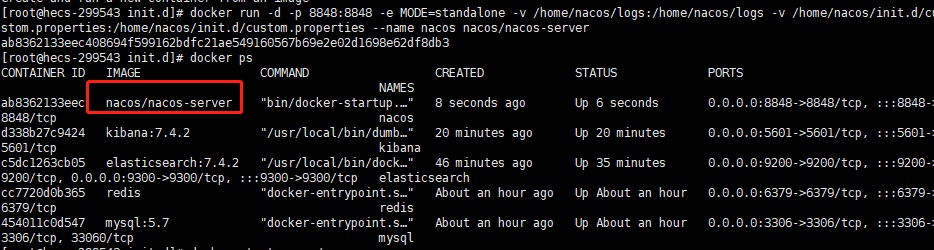
docker run -d -p 8848:8848 -e MODE=standalone -v /home/nacos/logs:/home/nacos/logs -v /home/nacos/init.d/custom.properties:/home/nacos/init.d/custom.properties --name nacos nacos/nacos-server
启动服务
docker start nacos
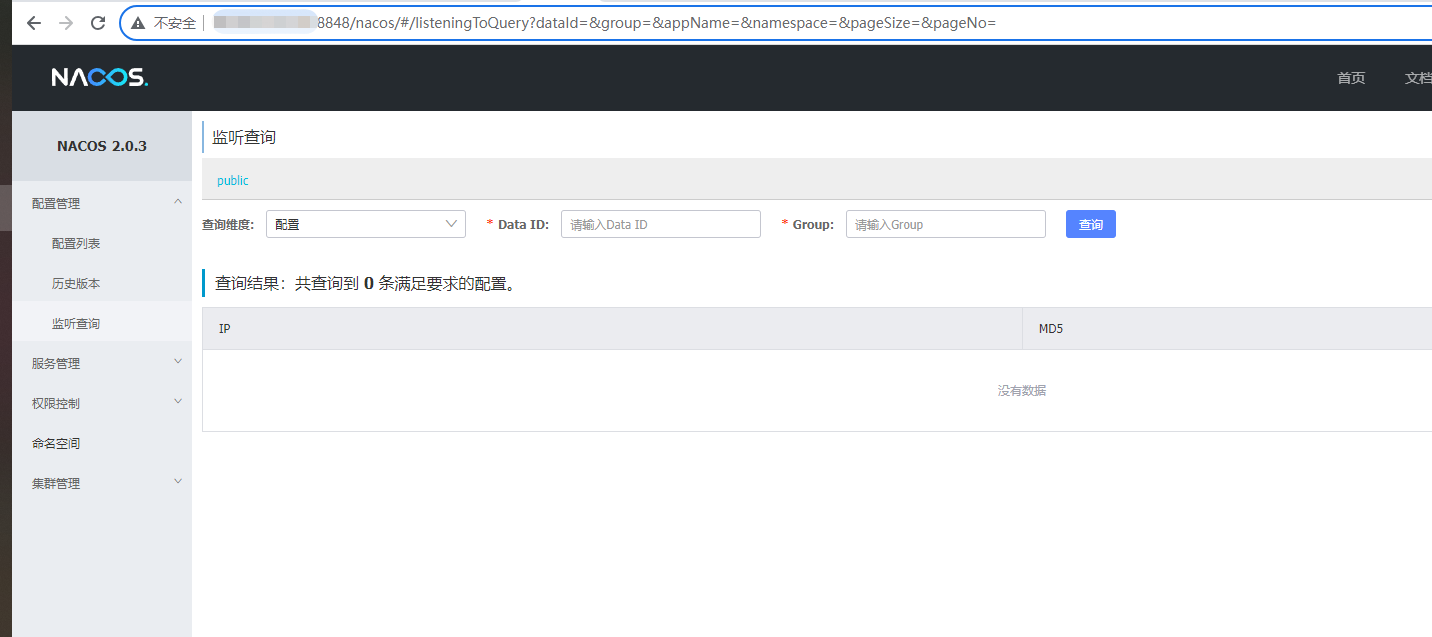
测试