Spring 源码构建-导入 Spring Framework 到 IDEA
目录
- 参考资料
- 步骤
- 1 安装 Gradle
- 2 下载源码
- 3 提前编译 spring-oxm 模块
- 4 导入到 IDEA
参考资料
- 导入 IDEA:https://github.com/spring-projects/spring-framework/blob/main/import-into-idea.md
- Spring 源码地址:https://github.com/spring-projects/spring-framework/releases
步骤
1 安装 Gradle
2 下载源码
我这里下载的 Spring Framework 的版本是 5.3.7 .
3 提前编译 spring-oxm 模块
-
打开解压目录:G:\work\workspaces\source-code\spring-framework-5.3.27
-
执行以下命令
gradlew :spring-oxm:compileTestJava
4 导入到 IDEA
-
依次打开 【File】 > 【Open】 > 选中 G:\work\workspaces\source-code\spring-framework-5.3.27 文件夹
-
打开
build.gradle文件,在repositories部分增加以下:
maven { url "https://maven.aliyun.com/repository/pulic" }
maven { url "https://maven.aliyun.com/repository/spring" }
否则会遇到以下报错:
(1) "Could not resolve: com.ibm.websphere:uow:6.0.2.17"
(2)"Could not resolve all dependencies for configuration ':spring-aspects:detachedConfiguration1'"
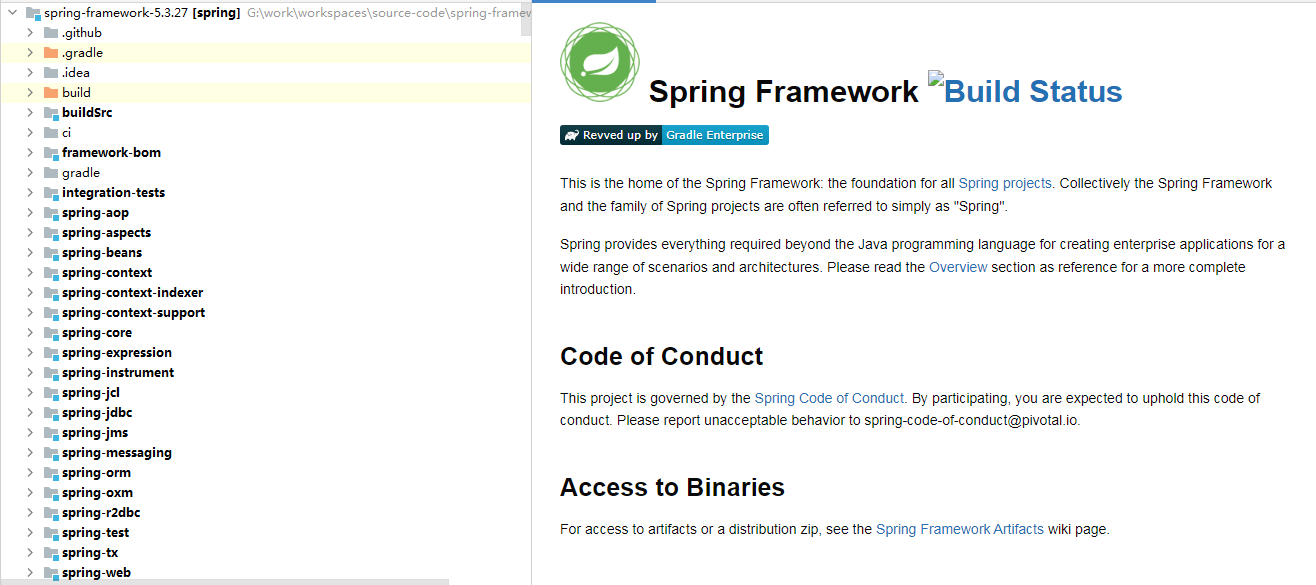
至此,导入完成。