selenium报错:code=403, org.openqa.selenium.remote.http.ConnectionFailedException: Unable to establish websocket connection to
一、背景
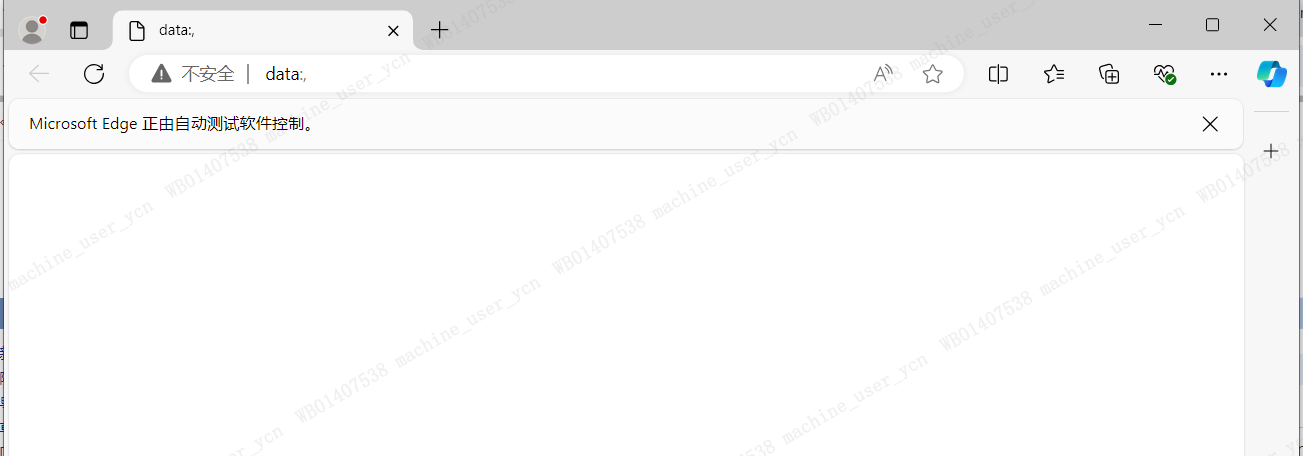
使用java+ selenium + Microsoft Edge,运行UI自动化打开百度首页时,发现浏览器能打开,但是打开不了网页,控制台报错。

二、报错信息
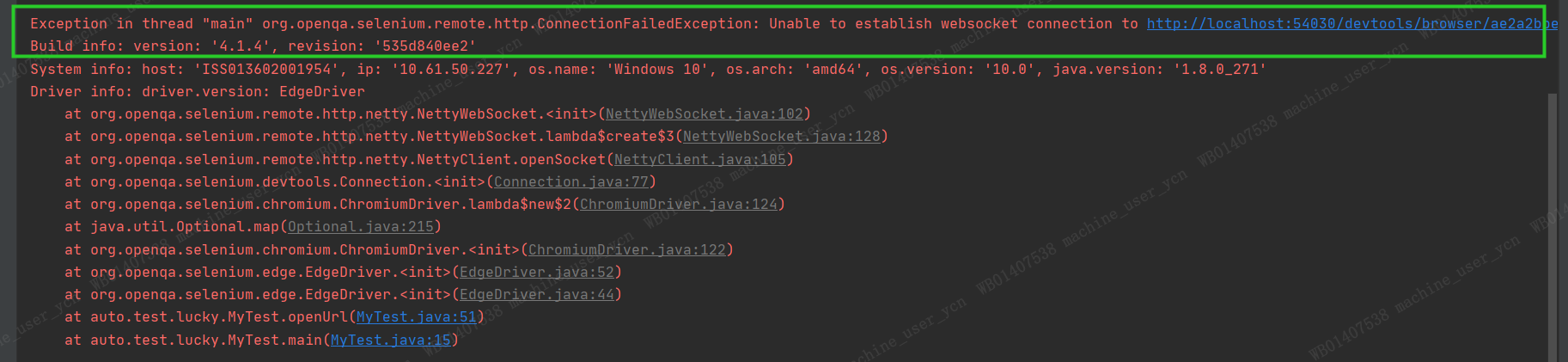
Invalid Status code=403 text=Forbidden
java.io.IOException: Invalid Status code=403 text=Forbidden
Exception in thread "main" org.openqa.selenium.remote.http.ConnectionFailedException: Unable to establish websocket connection to http://localhost:54030/devtools/browser/ae2a2bbe-a928-4d46-a9f9-203b033a11a8
三、排查思路
1.检查浏览器和webdriver版本是否兼容
Edge浏览器驱动下载地址:https://developer.microsoft.com/en-us/microsoft-edge/tools/webdriver/?form=MA13LH#downloads
2.更新Selenium依赖
pom.xml或build.gradle可以依赖最新版本
四、解决方案
1.添加启动参数
        System.setProperty("webdriver.edge.driver", "D:\\code\\ui-autotest\\src\\test\\resources\\msedgedriver.exe");
        EdgeOptions option = new EdgeOptions();
        option.addArguments("--remote-allow-origins=*");//解决403报错问题

        WebDriver driver = new EdgeDriver(option);
        driver.get("http://www.baidu.com");
2.修改Selenium依赖:将4.1.4更换到4.8.0
    <properties>
        <atf.runner.version>1.0.0-SNAPSHOT</atf.runner.version>
        <selenium.version>4.8.0</selenium.version>
    </properties>
五、可参考文档
Edge报错403:https://blog.csdn.net/qq_56597943/article/details/130283073
Chrome 报错403:https://blog.csdn.net/weixin_59218470/article/details/129740515?spm=1001.2101.3001.6661.1&utm_medium=distribute.pc_relevant_t0.none-task-blog-2defaultBlogCommendFromBaiduCtr-1-129740515-blog-130283073.235%5Ev43%5Epc_blog_bottom_relevance_base9&depth_1-utm_source=distribute.pc_relevant_t0.none-task-blog-2defaultBlogCommendFromBaiduCtr-1-129740515-blog-130283073.235%5Ev43%5Epc_blog_bottom_relevance_base9&utm_relevant_index=1