1)hadoop下载:https://hadoop.apache.org/releases.html
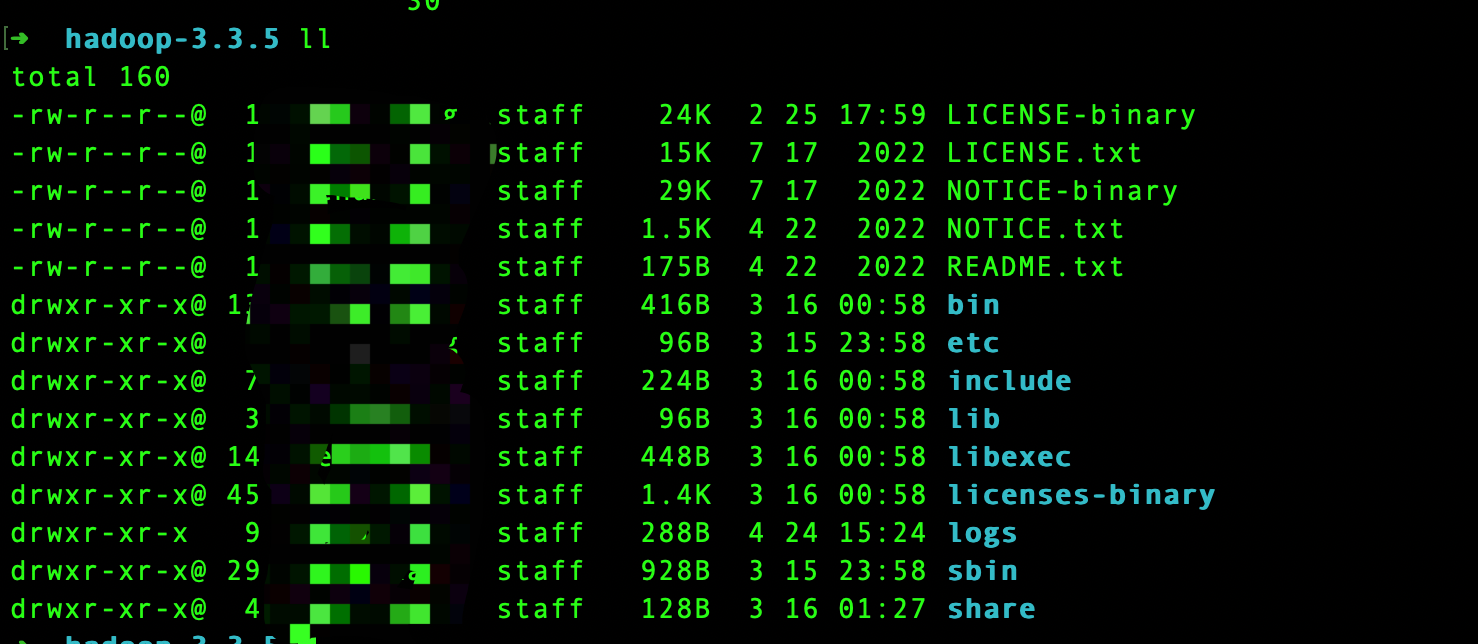
3)修改配置:etc目录下存放了hadoop相关配置文件,这里要在本地部署伪分布式模式,需要修改以下两个文件:
- etc/hadoop/core-site.xml
<configuration>
    <property>
        <name>fs.defaultFS</name>
        <value>hdfs://localhost:9000</value>
    </property>
</configuration>- etc/hadoop/hdfs-site.xml
<configuration>
    <property>
        <name>dfs.replication</name>
        <value>1</value>
    </property>
</configuration>
4)hadoop启动会用到ssh,需要检查一下是否可以通过ssh访问
ssh localhost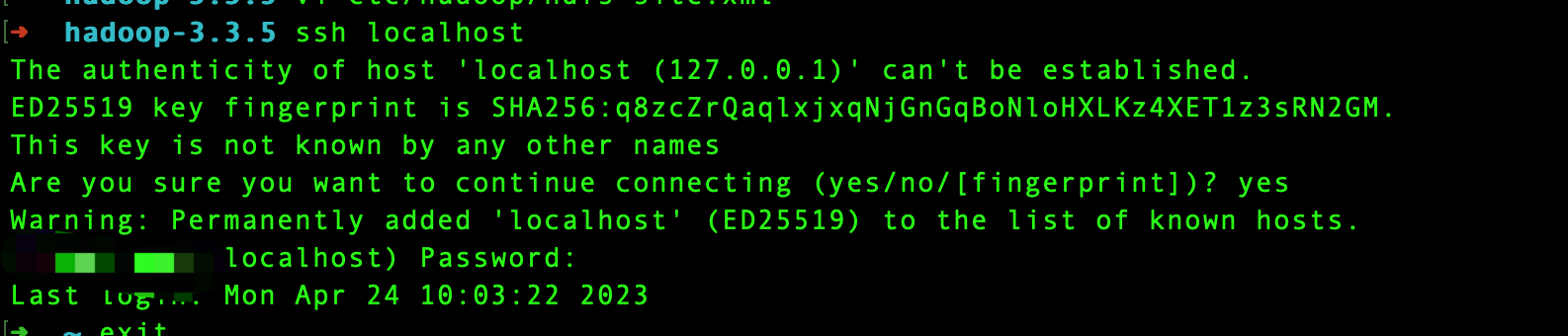
说明:如果没有安装ssh请先安装
5)添加ssh共钥到authorized_keys文件,否则无法通过ssh免密登陆,启动hdfs可能会报Permission denied异常
ssh-keygen -t rsa -P '' -f ~/.ssh/id_rsa
 cat ~/.ssh/id_rsa.pub >> ~/.ssh/authorized_keys
 chmod 0600 ~/.ssh/authorized_keys
6)格式化文件系统
./bin/hdfs namenode -format7)启动hdfs
./sbin/start-dfs.sh 启动成功后可以查看namenode:http://localhost:9870/
文件操作
1)新建maven工程,导入依赖
   <properties>
        <hadoop.version>3.3.5</hadoop.version>
    </properties>

    <dependencies>
        <dependency>
            <groupId>org.apache.hadoop</groupId>
            <artifactId>hadoop-common</artifactId>
            <version>${hadoop.version}</version>
            <scope>provided</scope>
        </dependency>

        <dependency>
            <groupId>org.apache.hadoop</groupId>
            <artifactId>hadoop-hdfs</artifactId>
            <version>${hadoop.version}</version>
            <scope>provided</scope>
        </dependency>
    </dependencies>
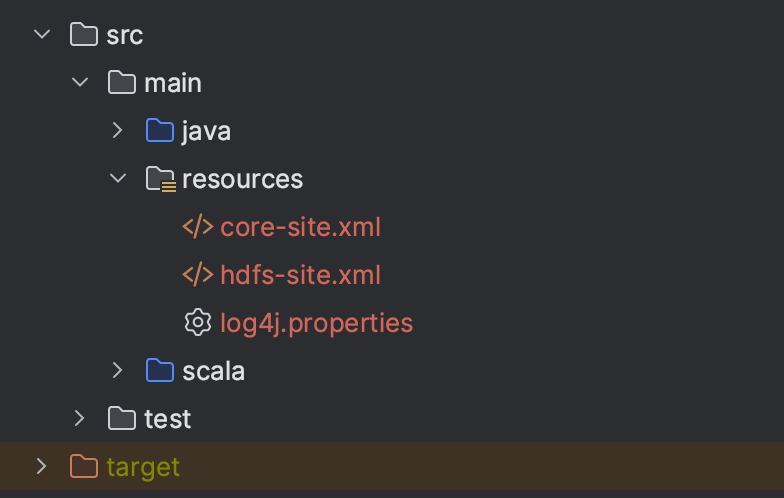
2)将hadoop etc/hadoop/目录下的配置文件core-site.xml、hdfs-site.xml、log4j.properties拷贝到工程中的resources目录下
3)文件读写
import org.apache.hadoop.conf.Configuration
import org.apache.hadoop.fs.{FileSystem, Path}

import java.nio.charset.StandardCharsets

object HdfsFileOperationTest {
  def main(args: Array[String]): Unit = {
    val conf = new Configuration()
    conf.set("fs.defaultFs", "hdfs://localhost:9000")
    val fs = FileSystem.get(conf)
    val path = new Path("/user/test/tmp/test01.txt")

    //文件写入
    val out = fs.create(path)
    val str = "hello world!!!\n"
    out.write(str.getBytes(StandardCharsets.UTF_8))
    out.close()

    //文件读取
    val in = fs.open(path)
    val bytes = new Array[Byte](1024)
    val len = in.read(bytes)
    println(new String(bytes, 0, len))
    in.close()
  }
}
4)查看文件
